
Your NetSuite account holds your general ledger, customer and vendor records, bank details and often payroll. Oracle secures the NetSuite platform and the data centers it runs in. Who can sign in, what each role can see and change, and which outside systems can connect are settings your company controls, and they tend to drift after go-live as people change jobs and new integrations are added.
We audit those settings, fix what needs fixing and help you keep them in order. The work can cover NetSuite alone, NetSuite and every system connected to it, or your office network as well. For healthcare companies, we also keep patient data in the EHR and out of the ERP.
Auditing your NetSuite account
An audit starts with a read-only review of how your account is set up today. We look at:
- Who has the Administrator role or another full-access role, and whether their job needs it
- Roles with more permissions than the work requires, shared logins, and former employees or contractors who can still sign in
- Two-factor authentication, which NetSuite requires for highly privileged roles, along with single sign-on, password policy and IP address restrictions
- Segregation of duties, for example whether one person can create a vendor, change its bank details and pay it
- Scripts and workflows that run with administrator rights, and customizations nobody maintains anymore
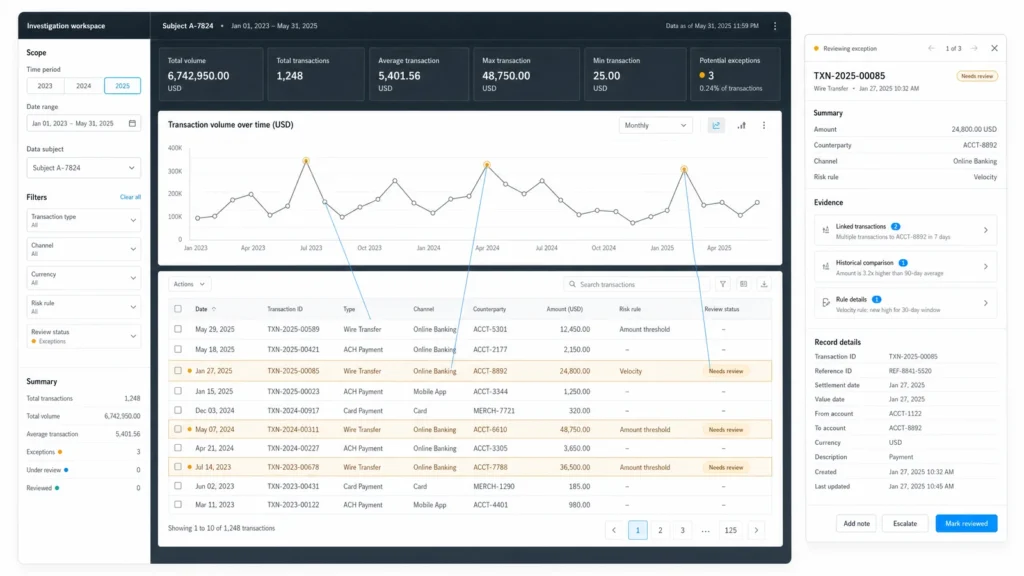
- Saved searches, reports and dashboards that show bank account numbers, salaries or other sensitive fields to roles that do not need them
- Installed SuiteApps and bundles, and the access they were granted
- The login audit trail and system notes, for unusual sign-ins and changes to sensitive records
You get a written report that ranks each finding by risk and explains the fix in plain terms. Randel Natividad, our CPA, reviews the internal control findings. He leads financial configuration and internal controls for our clients, and he was an audit associate at Ernst & Young and later a Senior Functional Consultant at Oracle NetSuite.
Securing your integrations
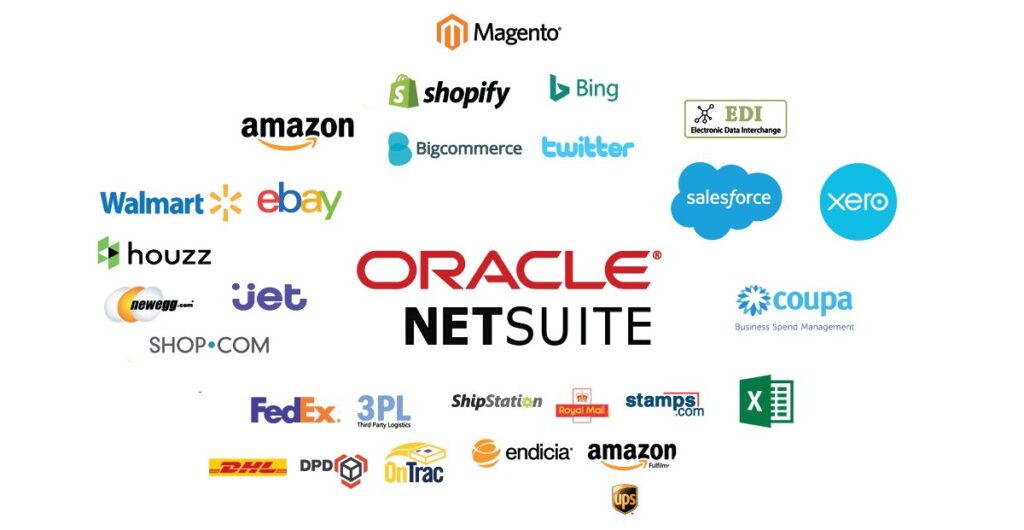
Every integration is another way into NetSuite, and integrations set up under deadline pressure often get more access than they need. We list every integration record, access token and connector on your account, whether it runs through Celigo, Dell Boomi, a Shopify or Salesforce connector, a 3PL, EDI or a custom API.
For each one we check how it signs in and what its role can reach. Integrations should authenticate with token-based authentication or OAuth 2.0 through a dedicated role limited to the records and actions they need. We revoke tokens for systems you no longer use, move credentials out of scripts, spreadsheets and email, and document what data leaves NetSuite and where it ends up. The integration platform gets the same review, including its user accounts and stored credentials.
Locking down your NetSuite instance
After the audit, we make the changes you approve. That usually means rebuilding roles around job duties, turning on two-factor authentication or single sign-on for every user, restricting sign-in by IP address where that fits how your team works, deactivating unused users and tokens, and changing script deployments so they run with the least privilege that still works.
We also add controls that make changes visible: approval workflows for vendor bank details and payments, period locks so a closed month stays closed, and scheduled saved searches that flag unusual sign-ins and edits to sensitive records. When your account has a sandbox, we test changes there first.
Access drifts again as people join, leave and change roles. Our managed services subscription includes a quarterly health check of configuration, roles and data, so the review repeats on a schedule. For an independent copy of your data, our NetSuite Data Backup service keeps nightly backups outside NetSuite.
Your office network
A locked-down NetSuite account can still be reached through a stolen laptop or a compromised email account. For offices without a full-time IT department, we review and tighten the setup your team signs in from:
- Router and firewall settings, including remote access and open ports
- Wi-Fi, with guests and personal devices kept off the network your workstations use
- Multi-factor authentication on email and the other cloud accounts that can reset a NetSuite password
- Operating system and browser updates, disk encryption and local administrator rights on each workstation
- A same-day offboarding checklist, so people who leave lose access to every system at once
- Backups for files and systems that live outside NetSuite
We explain each change before we make it and keep a record of what we changed, so your team or a future IT provider can pick it up.
HIPAA: keeping EHR and ERP systems separate
Healthcare companies usually run two kinds of system side by side: an electronic health record (EHR) for clinical work, and an ERP such as NetSuite for finance, purchasing and inventory. HIPAA covers protected health information (PHI), and any system that stores or receives PHI falls under its privacy and security rules. We help healthcare companies keep those systems separate, with PHI in the EHR and only the data accounting needs in NetSuite.
For a healthcare client, that work includes:
- Mapping every field that moves between the EHR and NetSuite, and removing anything accounting does not need
- Using account numbers or summarized totals in NetSuite in place of patient names, diagnoses and treatment details, in line with HIPAA’s minimum necessary standard
- Restricting the NetSuite roles that can see any record linked to a patient account
- Encrypting data in transit between systems and logging what each integration sends and receives
- Checking that a business associate agreement is in place with every vendor that handles PHI for you, including integration platforms and consultants
HIPAA compliance is your organization’s responsibility. We design and configure the systems and the controls around them, and we work alongside your compliance officer or legal counsel. We do not give legal advice or certify compliance.
How an engagement works
Start with a free initial consultation. We agree on the scope (NetSuite only, NetSuite and its integrations, or your office network too) and give you a quote in writing before any work starts. The audit runs from a read-only role where possible, you receive the written report, and we make the fixes you approve. You can pay by the hour or through a discounted monthly package, with no long-term lock-in.
Book a time on our calendar, or send us the details with the form below.
Talk to a NetSuite expert
Common questions
Is NetSuite secure on its own?
Oracle is responsible for the security of the NetSuite platform and the data centers it runs in. Your company controls user access, role permissions, integrations and the devices people sign in from, and those settings are what we review.
Will an audit disrupt our team?
The audit runs from a read-only role and does not change anything in your account. We schedule fixes with you and test them in a sandbox when your account has one. The people affected hear about a change before it happens.
Can you help us prepare for a financial audit or a SOC 2 report?
We can review roles, segregation of duties, approvals and change controls in NetSuite, fix the gaps, and document how the controls work for your auditors. We are not an audit firm and do not issue audit opinions or SOC reports.
Do you help healthcare companies with HIPAA?
We help healthcare companies keep PHI in their EHR, limit what reaches NetSuite to what accounting needs, and secure the integration between the two. Your compliance officer or legal counsel makes the final compliance decisions.
Who does the work?
Robert Bender, our owner and project architect, leads the technical review and the NetSuite changes. He has worked with NetSuite since 2013. Randel Natividad, our CPA, leads the internal controls work. Both stay with your project until the work is done. You can read more on our team page.