We set up a NetSuite MCP server so an AI assistant such as Claude, ChatGPT or a model you host yourself can work with your NetSuite data. MCP, the Model Context Protocol, is an open standard that AI assistants use to connect to outside systems and tools.
Questions we work through with you
- Should the AI be able to see everything in your NetSuite account, or only some records?
- Should it be able to create records?
- Should it be able to update existing data?
- Do you want it for reporting on your data, or for completing work?
- Do you understand the risks of sharing NetSuite data with an AI company?
Keeping the connection under control
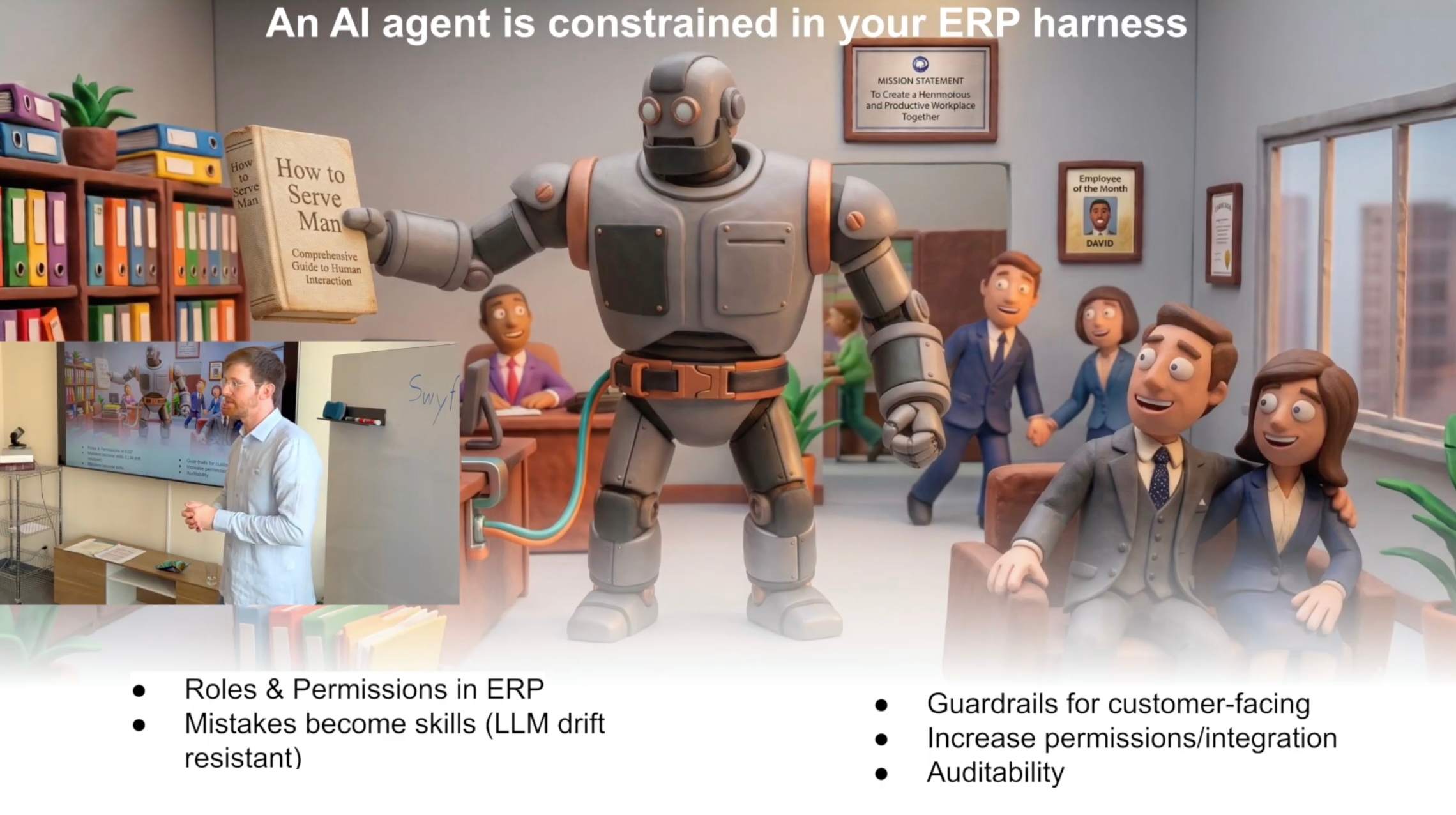
We start with read-only access where that is practical. The connection gets its own role, limited to what you agreed, and permissions and validation are enforced outside the AI model. We log what was requested and what changed, and important changes wait for a person to approve them. The same controls apply to our AI and agentic workflows, and our compliance and security work reviews AI access along with every other integration.
Talk to a NetSuite expert
Common questions
Which AI assistants can connect to NetSuite?
Claude, ChatGPT or a locally hosted model, through a NetSuite MCP server we set up and configure for your account.
Can the AI change data in NetSuite?
Only if you decide it should. A read-only setup for reporting and research is a sensible start, and any write access is limited to the records and actions you approve.
Is our data shared with the AI provider?
Whatever the assistant reads is sent to the model you connect, so the provider, its data retention terms and your data boundaries need agreeing before setup. A locally hosted model keeps the data on your own systems.
Book a time to get started, or send us a message from the contact page.